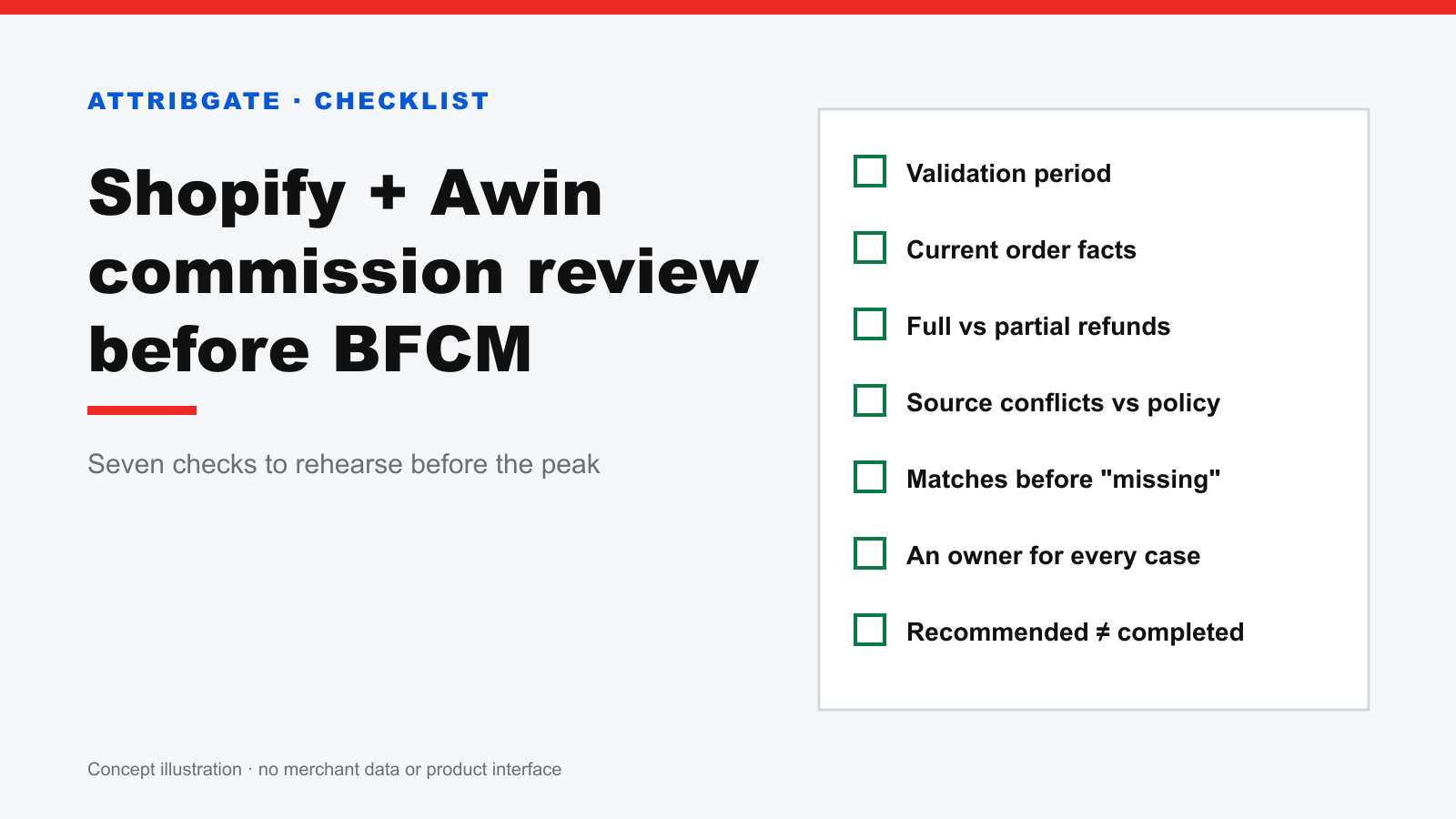
Before BFCM, most ecommerce teams check promotions, inventory, advertising budgets and storefront performance. If your Shopify store uses Awin, add one more workflow to that list: reviewing affiliate transactions before they are approved.
A recorded conversion starts the process. By the time a transaction is reviewed, the associated order may have been cancelled, refunded or partially refunded. Source evidence may also need to be interpreted against your program's attribution and deduplication policy.
I am building AttribGate, a Shopify app for affiliate commission review. This checklist is useful whether you use the app or keep your existing process.
1. Check your validation period
Do not assume every transaction waits for a month-end review. Awin describes auto-validation as approval after your configured period if the transaction has not already been validated. Check the period that applies to your program and identify who reviews transactions approaching it.
2. Bring current order facts into the review
Check the linked Shopify order, payment state, cancellation, test status and refunds. A transaction exported earlier may not reflect a later order change. Keep the network's current transaction state alongside these facts.
3. Separate full and partial refunds
A full refund and a partial refund need different treatment. For a partial refund, check the retained items, commission basis and program policy before deciding what to do. Avoid applying a blanket decline rule to every refund.
4. Investigate source conflicts against your policy
A different source in Shopify is a reason to investigate, not a universal reason to decline affiliate commission. Check the attribution window, journey-data completeness and the deduplication rules communicated to partners. Follow your applicable agreement and program terms.
5. Verify matches before interpreting missing orders
If a claim has no linked order, check references, synchronisation and the available date range first. An unresolved match is not proof that an order never existed.
6. Give unresolved cases an owner
Record what is missing, who will check it, and when the case will be revisited. Partial refunds, incomplete journeys and conflicting claims should not disappear into an unattended spreadsheet.
7. Distinguish recommendations from completed actions
Keep the recommendation, the merchant decision, the submitted action and the final network state separate. A recommended decline amount is not realised savings. Failed or pending actions should remain visible.
Start with a bounded rehearsal
Use a limited set of representative transactions to test your workflow before the peak. Include an ordinary paid order, a full refund, a partial refund and a source conflict. These are review categories, not claims about how often they occur in your store.
AttribGate groups affiliate claims around Shopify orders and presents order facts, available journey evidence and explainable recommendations. The initial beta review is read-only: no approve or decline actions are sent to Awin.
The current initial scope is the most recent 60 days of available data. It is not a full historical audit and may not include every outstanding transaction. Continue reviewing out-of-scope transactions through your existing process.
Join the beta
We are inviting a small number of Shopify + Awin teams that already review affiliate commission before approval. Impact is available through a private beta.
Start with a 20-minute workflow conversation or request a demonstration. Suitable teams can join a free initial read-only review, verify representative cases, and assess fit during follow-up and their next validation cycle. The free initial review is not a permanent free plan; anything beyond it is discussed separately.
Credentials are connected inside the authenticated app, not sent by email. Participation does not authorise publication of your name, screenshots or results.
Request a pilot, or email service@skymork.com with the subject "AttribGate Beta".
Reference: Awin auto-validation documentation